Interactive guided demo
GreenSkEye helps researchers look back by date, watch plant progress over time, and run analysis pipelines without losing the context of the original experiment.

Welcome to USask Crop Imaging Lab!
Here's what's happening in this team today.
Overview
- Access Code: XK7M2P
- Created At: 9/12/2024, 2:30:00 PM
Recent Activity
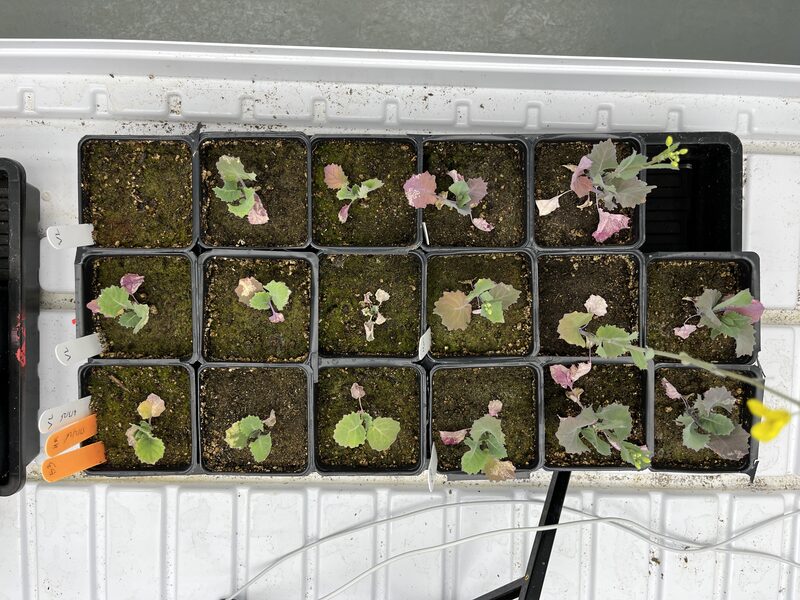
Captured At: 4/2/2026, 1:20:45 PM
Device: iPhone 33
Experiment: 2026-02-Verticillium
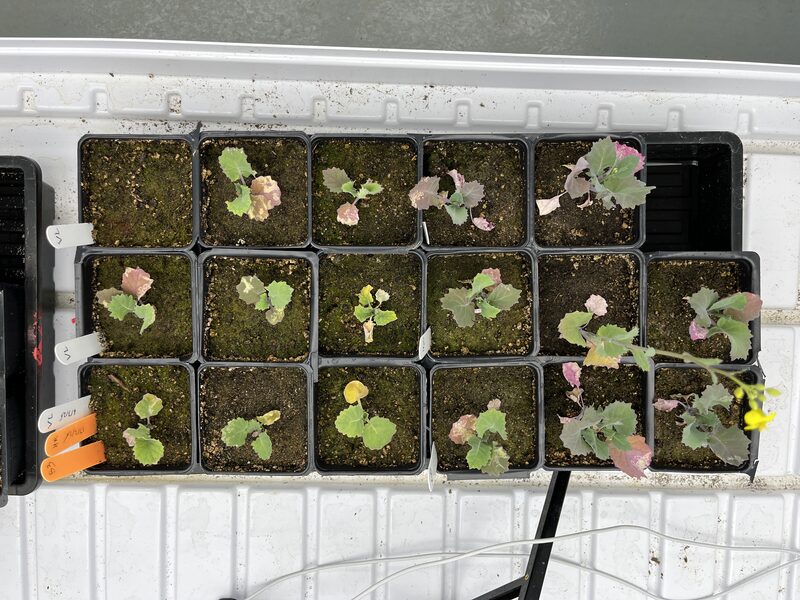
Captured At: 3/29/2026, 1:20:43 PM
Device: iPhone 33
Experiment: 2026-02-Verticillium
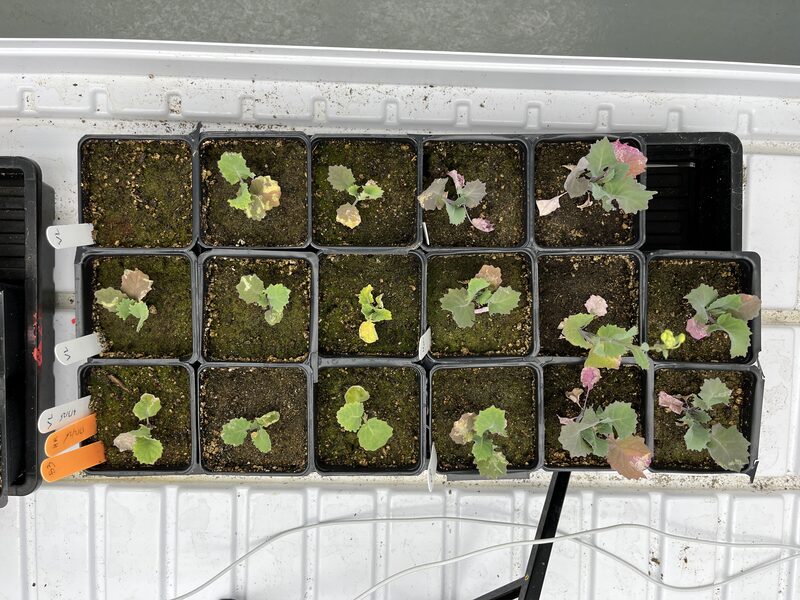
Captured At: 3/27/2026, 9:20:43 PM
Device: iPhone 33
Experiment: 2026-02-Verticillium
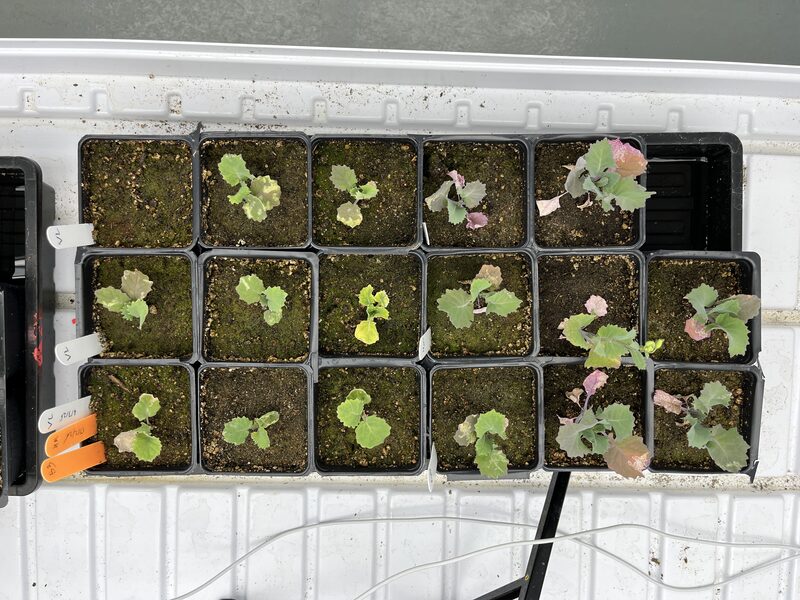
Captured At: 3/26/2026, 9:20:42 PM
Device: iPhone 33
Experiment: 2026-02-Verticillium
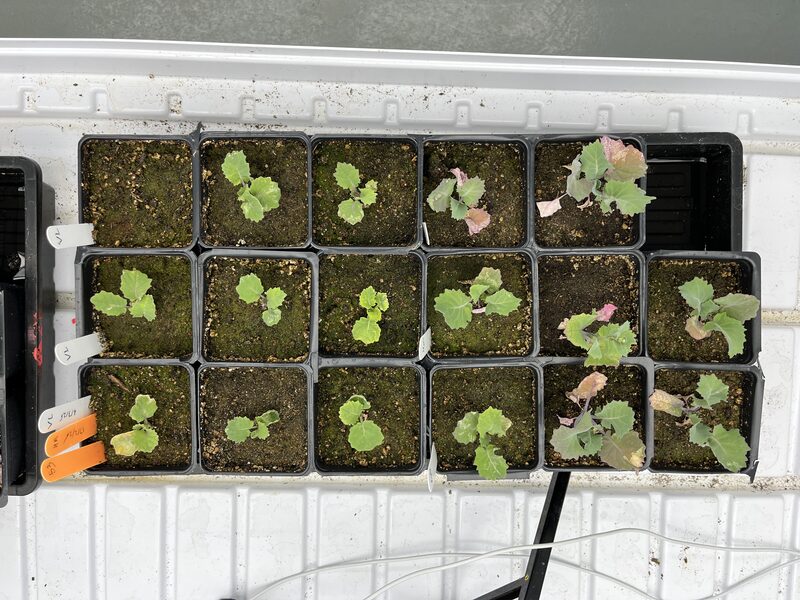
Captured At: 3/24/2026, 9:20:41 AM
Device: iPhone 33
Experiment: 2026-02-Verticillium
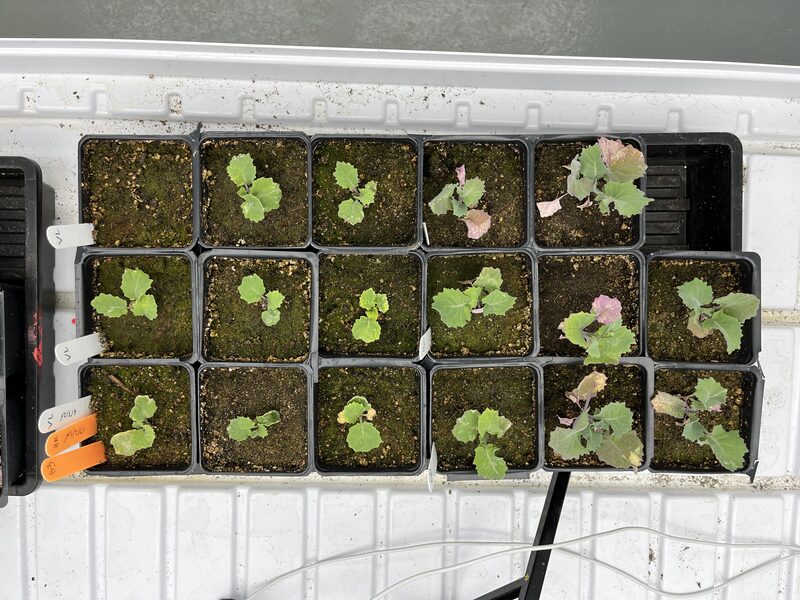
Captured At: 3/23/2026, 1:20:41 PM
Device: iPhone 33
Experiment: 2026-02-Verticillium
Quick Nav
Device fleet monitoring
Spot crashed phones before data gaps.
The devices dashboard shows live status for every capture phone in your team.
- iPhones capture on roughly 60-minute intervals.
- Refreshes every 30 seconds.
Slack crash alerts
Stale captures trigger a Device crash alert in Slack so you can restart the phone quickly.
Devices
| Name | Model | Assigned | Status | Last Capture | Registration Date |
|---|---|---|---|---|---|
| iPhone 12 - Bay 03 | iPhone 12 | Yes | Online | 10/31/2026, 7:06:10 AM | 11/12/2025 |
| iPhone 33 | iPhone 33 | Yes | Online | 10/31/2026, 7:01:10 AM | 2/1/2026 |
| Green SkEye iPhone 32 | iPhone 32 | Yes | Online | 10/31/2026, 6:36:10 AM | 11/1/2025 |
| iPhone 15 - Greenhouse | iPhone 15 | Yes | Idle | 10/31/2026, 4:21:10 AM | 12/8/2025 |
| iPhone 11 - Field North | iPhone 11 | Yes | Crash | 10/30/2026, 5:21:10 AM | 1/22/2026 |
Image search and export
Find the captures you need, then export or timelapse them.
The image gallery is where field captures become usable research data. Filter by project, experiment, plant, device, and date, then bulk-select images for zip download, timelapse generation, or deletion.
Inoculation progression
Mar 19 ·Hierarchical file browser
Browse captures the way they are stored on disk.
The image file tree mirrors the upload folder layout: project, capture date, plant, then individual JPEG files. Select a folder to preview its images, or zip an entire branch for offline sharing.
Explorer
Select a folder with images to preview captures.
Analysis and export
Submit analysis jobs and download results.
Researchers filter captures in the gallery, package selected images as a zip, and submit analysis jobs to the scheduler. Green pixel analysis runs today, with room for additional pipelines as models are added.